Care, curated
by you.
Your own collection of care options, shared with the people who trust you.

Tell us about yourself.
Create an account, confirm your email, and tell us about your work and audience.
How to apply
Have a link to your work and a short description of your audience. Clinical applications also need license and practice details.
Use the same account when you return and respond to any follow-up requests. Already have an account? Sign in.
First, your account.
G Continue with GoogleAdd your name and photo.
Choose a name and address. Add your photo, bio and page content.
Make it yours
After approval, choose Create your page in your account. Some screens call it a Healthspace. Once created, choose Manage beside your page to open its dashboard.
Use Edit profile for your photo and bio, and Edit Home or Edit page for page content. Save and preview your changes. The team reviews your finished page before care selection, payouts and launch unlock.
Well & Strong
A collection for healthy living.
Choose care for your audience.
Start with a few care options that fit your niche.
Choose your collection
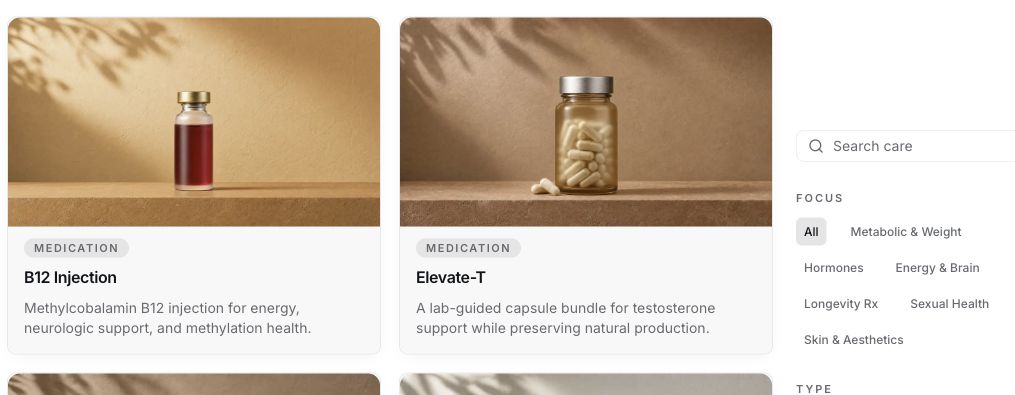
After your page’s final review, choose Manage → Care Options in your account. Start with the questions your audience asks—about metabolic health, healthy aging, energy, or your own focus. Browse Inactive and enable eligible options. Add your perspective on each choice.
Launch needs at least one public care option. Use View Care Page to check the visitor’s view. A licensed clinician decides whether prescription care suits each customer.
Your care options
Selected

Set up your payouts.
Accept the terms and connect your payout account.
Connect your payouts
Choose Manage beside your page. Accept the Healthspace Founder Addendum and Payout Terms, then finish all Stripe requirements in Earnings.
Use Support / Getting Started to check what remains. Connecting Stripe or launching your page alone does not enable purchases.
Ready for what’s next.
Launch, then share.
Preview your page, launch it, then share your link.
Launch and share
Choose Manage beside your page. Check your profile, collection and option pages in the visitor preview, then choose your visibility and launch. Copy your link with Share page.
Private visibility hides public care. If Community is off, visitors go straight to Care. Editing your page does not turn Community on or change the care storefront.
Well & Strong
Welcome your first customers.
Share the consumer guide so customers can choose care and track their orders.
Help your customers
Availability depends on the option and the customer’s location. Prescription care needs an assessment and a clinician’s decision. Treatment follows the clinician’s instructions.
Page setup: use Support / Getting Started in your page’s dashboard or email support@carecore.io.
Orders, shipping or refills: customers choose Contact Support under Need help? in Orders.
Treatment: customers use secure doctor chat in their account when available.
 Curator
Explore care
chosen by Hillary.
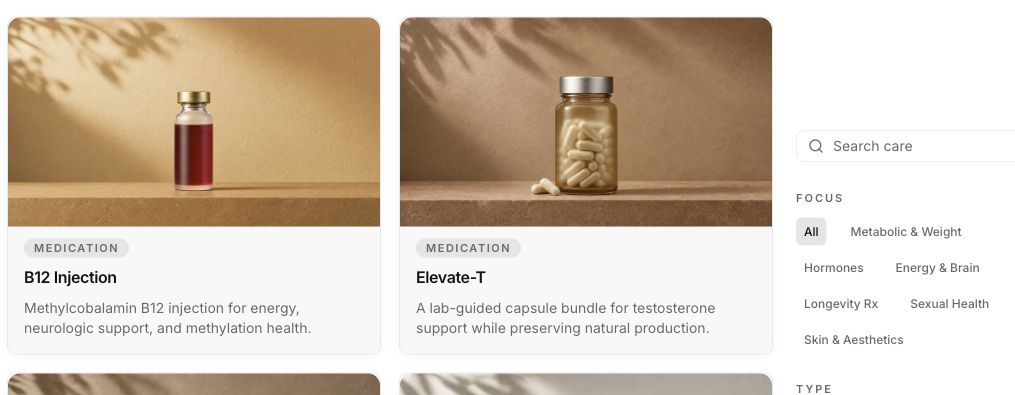
Previews use example content. Care options and availability vary.